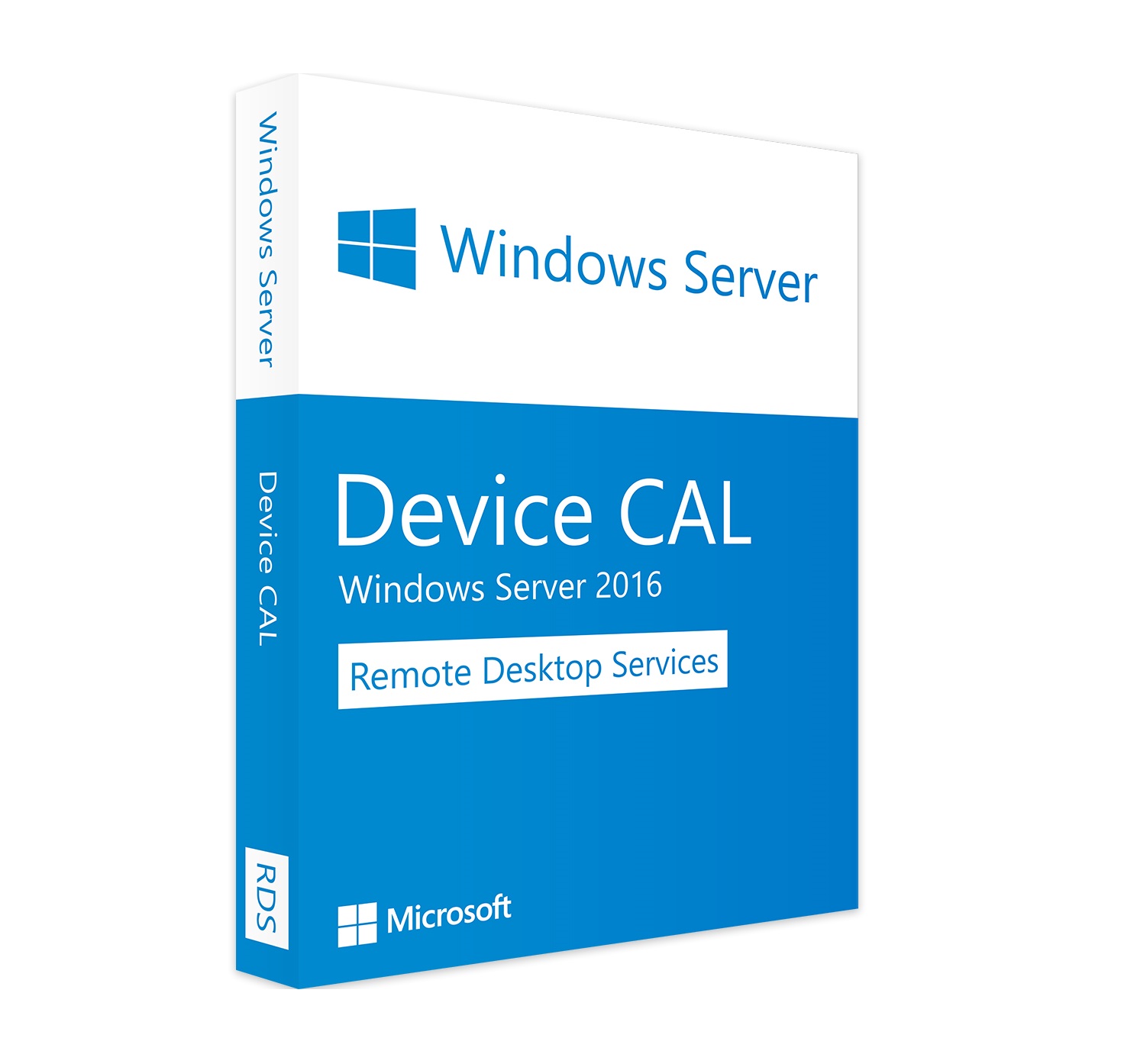
Windows Server 2016 Remote Desktop Services (RDS) – 50 Device CAL
License type: Lifetime
Remote Desktop Services (RDS) is the platform of choice for building virtualization solutions for every end customer need, including delivering individual virtualized applications, providing secure mobile and remote desktop access, and providing end users the ability to run their applications and desktops from the cloud.
Download – Product key and installation instructions are emailed immediately after purchase.
Keyewin Shield — Spécifications Certifiées
Garantie d'activation officielle & conformité 100%
Assistant de Compatibilité & Choix de Licence
Vérifiez la compatibilité idéale pour votre appareil en 4 étapes simples
1. Quel type de logiciel souhaitez-vous installer ?
Chaque licence est vérifiée directement sur les serveurs officiels. En cas du moindre souci d'activation, notre support WhatsApp remplace votre clé gratuitement en moins de 2 minutes !
Économisez 5% supplémentaires sur votre commande avec transfert USDT / BTC instantané 100% en ligne !
Licence Numérique pour :
Windows Server 2016 Remote Desktop Services (RDS) – 50 Device CAL
Vérificateur de Compatibilité Système (System Matcher)
Sélectionnez votre système pour vérifier le fonctionnement garanti de la clé numériques :
Guide d'Activation Rapide en 3 Étapes Simples
Dès la confirmation de votre paiement, votre clé d'activation officielle à 25 caractères (XXXXX-XXXXX-XXXXX-XXXXX-XXXXX) est envoyée sous 5 minutes sur votre boîte **Email** et sur votre **WhatsApp**.
Offre Spéciale : Pack Duo Digitale (-25% Supplémentaire)
Combinez ces 2 licences certifiées pour débloquer la réduction maximale :
Description & Spécifications du Produit
Remote Desktop Services (RDS) is the platform of choice for building virtualization solutions for every end customer need, including delivering individual virtualized applications, providing secure mobile and remote desktop access, and providing end users the ability to run their applications and desktops from the cloud.

RDS offers deployment flexibility, cost efficiency, and extensibility—all delivered through a variety of deployment options, including Windows Server 2016 for on-premises deployments, Microsoft Azure for cloud deployments, and a robust array of partner solutions.
Depending on your environment and preferences, you can set up the RDS solution for session-based virtualization, as a virtual desktop infrastructure (VDI), or as a combination of the two:
- Session-based virtualization: Leverage the compute power of Windows Server to provide a cost-effective multi-session environment to drive your users’ everyday workloads.
- VDI: Leverage Windows client to provide the high performance, app compatibility, and familiarity that your users have come to expect of their Windows desktop experience.
Within these virtualization environments, you have additional flexibility in what you publish to your users:
- Desktops: Give your users a full desktop experience with a variety of applications that you install and manage. Ideal for users that rely on these computers as their primary workstations or that are coming from thin clients, such as with MultiPoint Services.
- RemoteApps: Specify individual applications that are hosted/run on the virtualized machine but appear as if they’re running on the user’s desktop like local applications. The apps have their own taskbar entry and can be resized and moved across monitors. Ideal for deploying and managing key applications in the secure, remote environment while allowing users to work from and customize their own desktops.
For environments where cost-effectiveness is crucial and you want to extend the benefits of deploying full desktops in a session-based virtualization environment, you can use MultiPoint Services to deliver the best value.
With these options and configurations, you have the flexibility to deploy the desktops and applications your users need in a remote, secure, and cost-effective fashion.
Basé sur +1,450 avis vérifiés de nos clients satisfaits.
"Clé reçue en 2 minutes par WhatsApp. Activation parfaite sur le site Microsoft. Je recommande les yeux fermés !"
✓ Achat vérifié • Clé Activée"Super tarif et transaction très fluide par Binance Pay. Service client au top !"
✓ Achat vérifié • Binance Pay"Genuine product key, worked instantly on my Windows PC. Fast response and excellent support."
✓ Verified Buyer • Instant Email Delivery📖 Guide d'Activation & Foire Aux Questions (FAQ)
Tout ce que vous devez savoir pour installer et activer votre clé en toute simplicité.